| Audio only | Hides the video and collapses the window to a slim toolbar — audio keeps playing. Great for music streams or podcasts. |
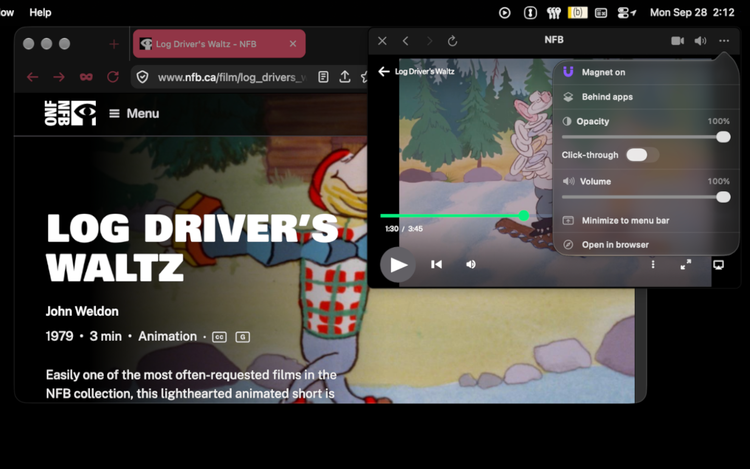
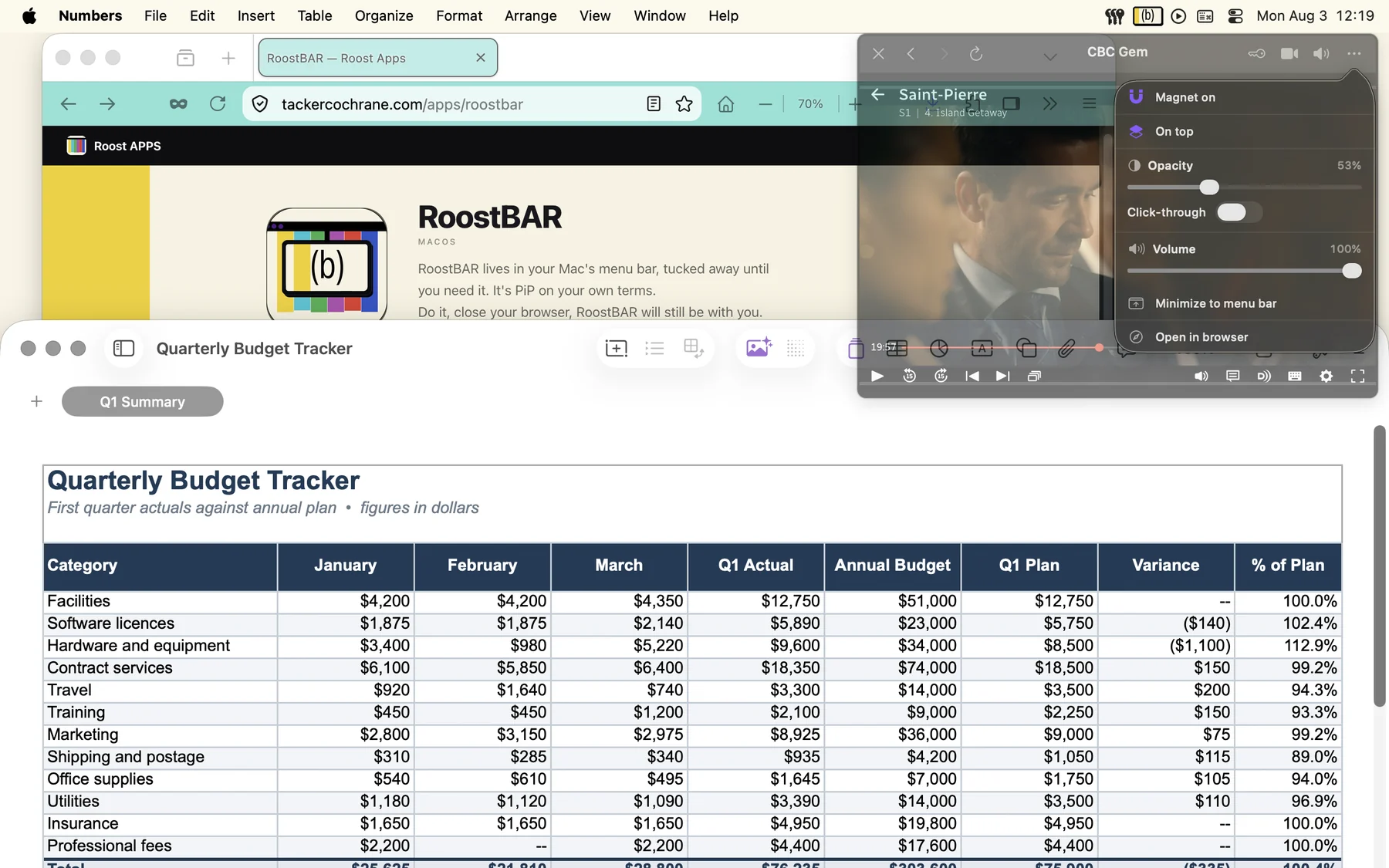
| Minimize to menu bar | Tucks the window to a small favicon in the menu bar with audio still playing. Click to bring it back exactly as it was. |
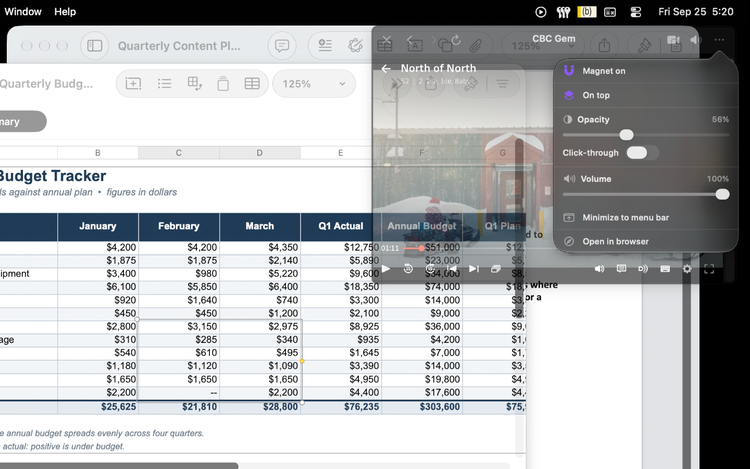
| Click-through | Let your mouse pass straight through the window to whatever is behind it. Undo with Wake windows. |
| Opacity | Fade the window from 30% to 100% |
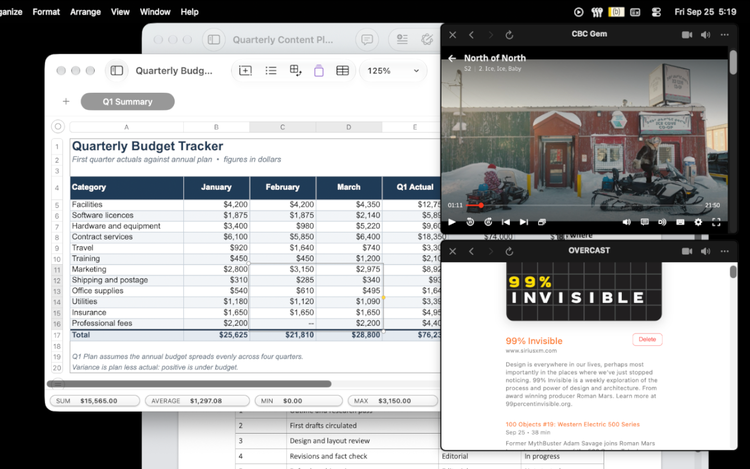
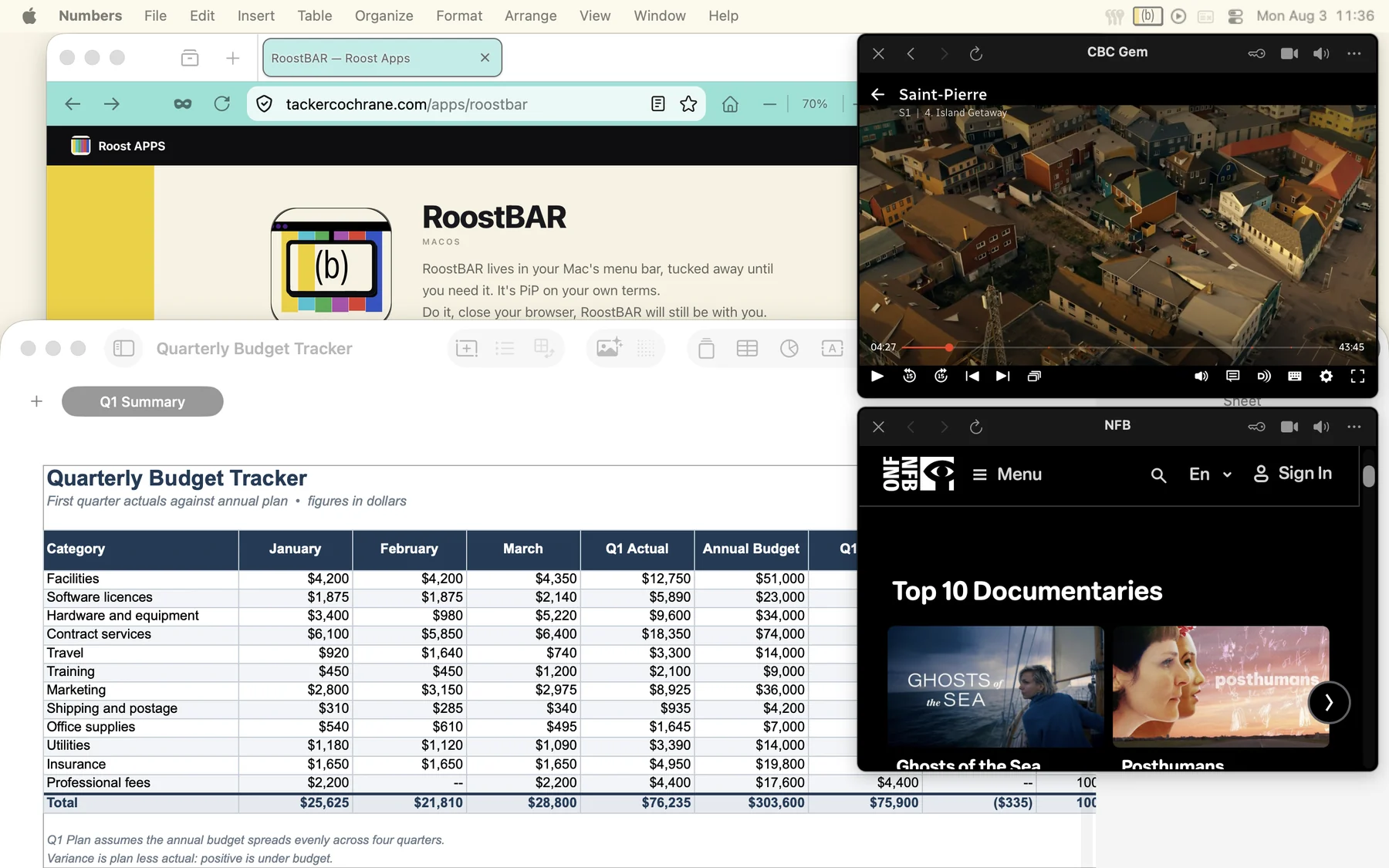
| Magnet | Snap to the menu bar and to other windows. Grab a stacked window and the whole group moves together. |
| Zoom | ⌘+ and ⌘− zoom page content. Saved layouts remember each window's zoom level. |
| Open in browser | Escape hatch — opens the current page in your default browser for anything that won't play in-window. |
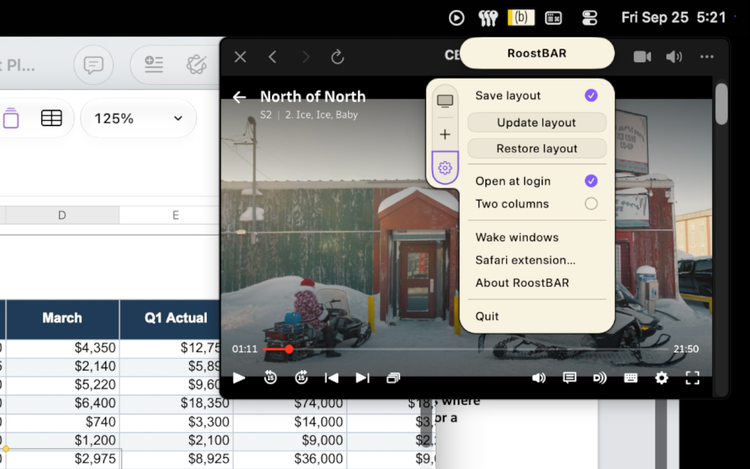
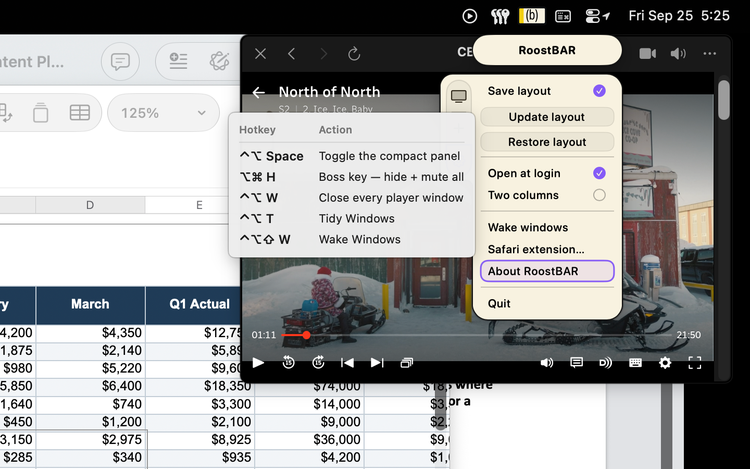
| Save layout | Records the position, size, and zoom of your open windows so you can restore them anytime |
| Open at login | Starts RoostBAR automatically when you log in to your Mac |
| Two columns | Switch the service list between a named list and an icon grid |
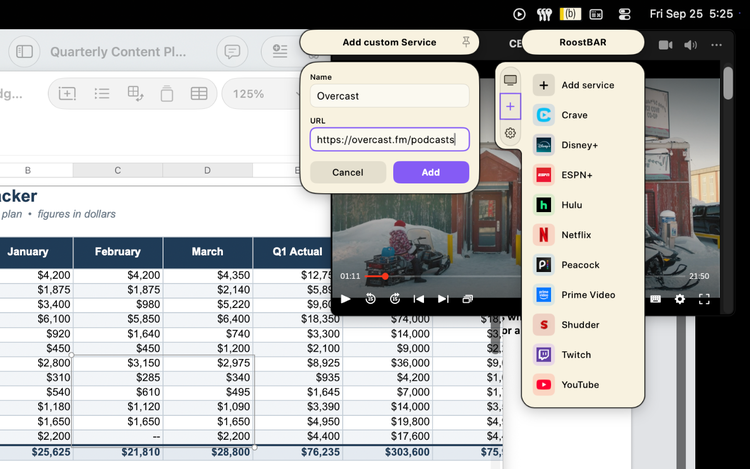
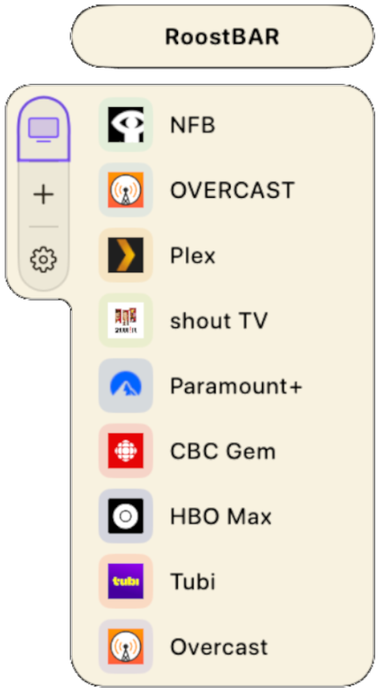
| Custom services | Add any site by name and URL — it behaves exactly like a built-in service, including saving your login |

RoostBAR
macOS
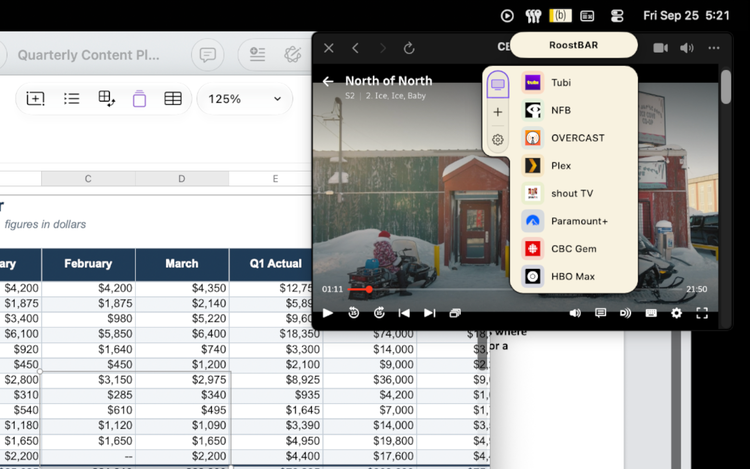
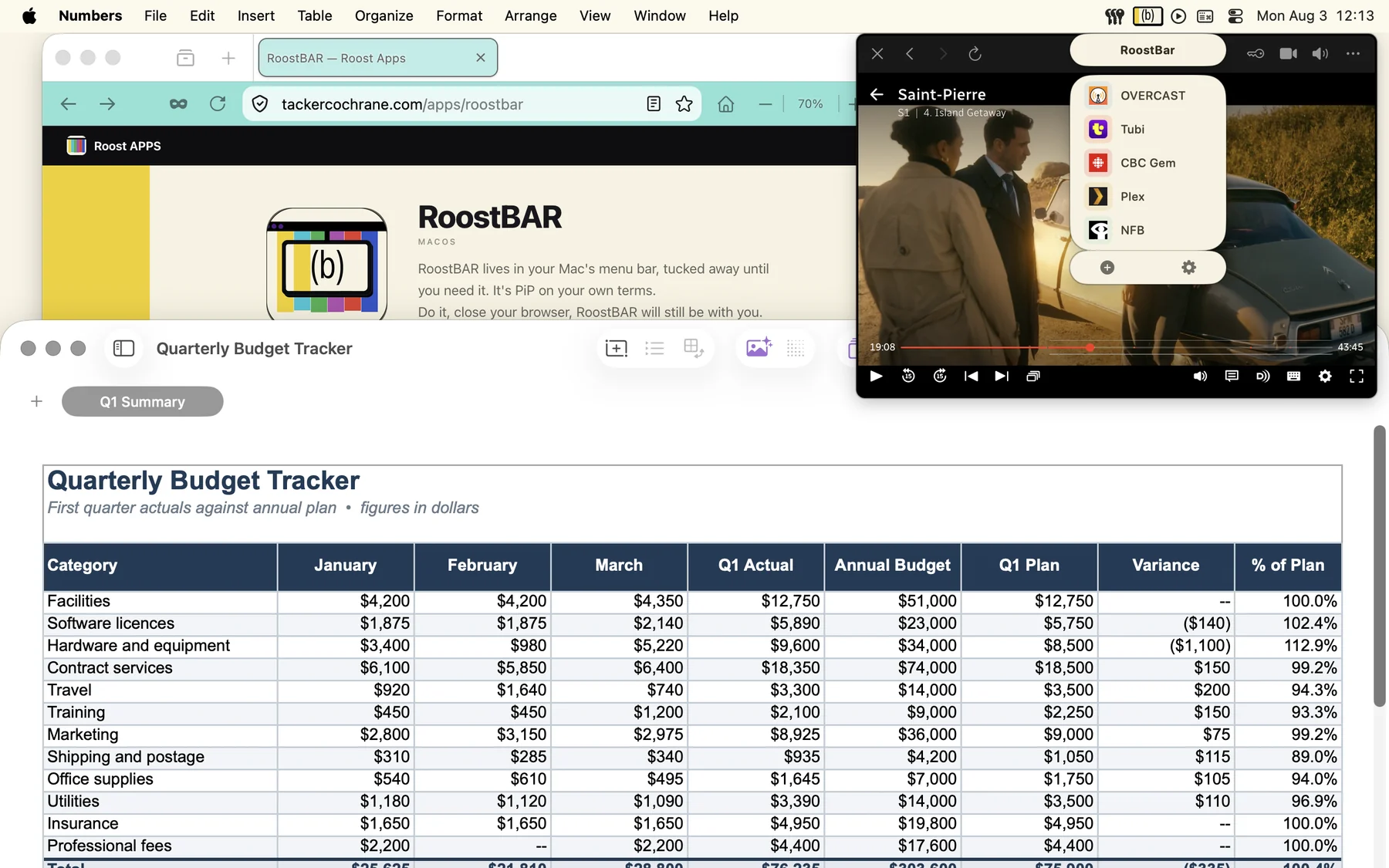
RoostBAR lives in your Mac's menu bar, tucked away until you need it. It's PiP on your own terms.
Do it, close your browser, RoostBAR will still be with you.
Do it, close your browser, RoostBAR will still be with you.