RoostMEDIA icon
RoostMEDIA
macOS
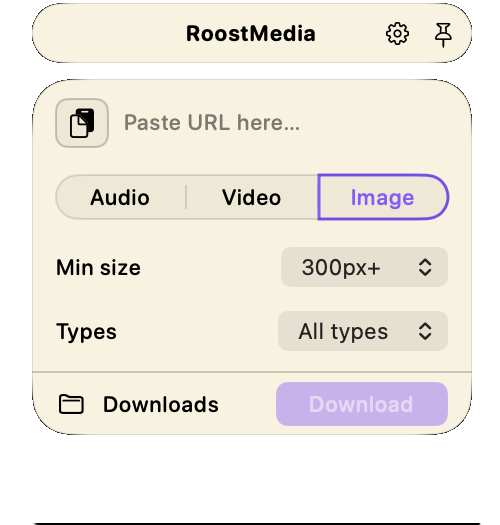
Paste a link. Get the file.
Audio, video, or images.
Downloaded to your MAC without a browser tab in sight.
Coming Soon

Three modes. One paste.

Look, lots and lots of other apps can do this. But not all at once. And not all in one spot. And why not? RoostMEDIA is the only app with he courage to bring it all together.

Drop a link from most sites into the field and you got three things to do with it:

Only want the audio? We got you.

Need that video for something? No prob.

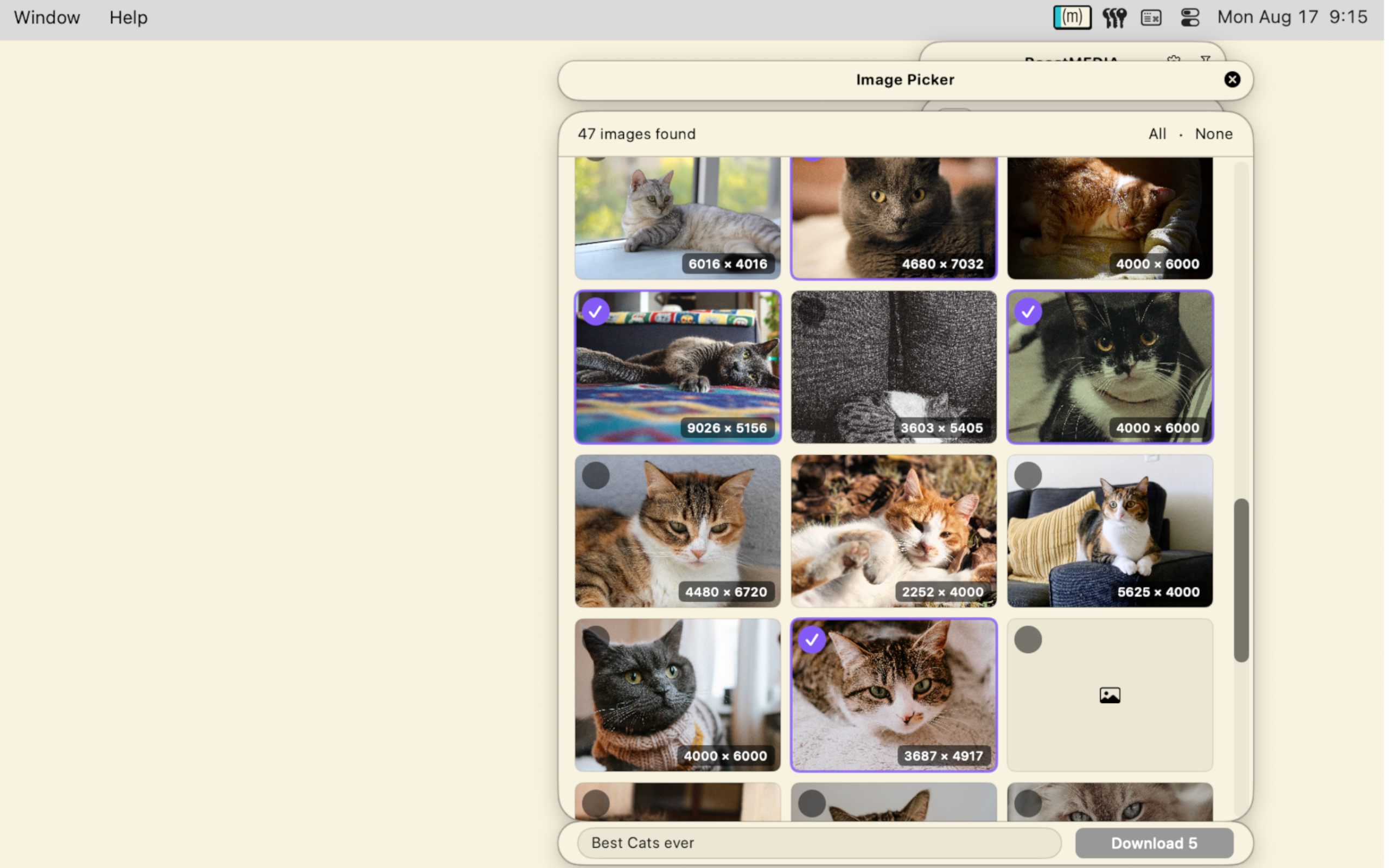
Got a whole page of images you want to sort through, take them. We insist.

In the picker, check off all the items you want, leave the rest. RoostMEDIA downloads them to their own folder safe for later.

That’s it, that’s all it does.

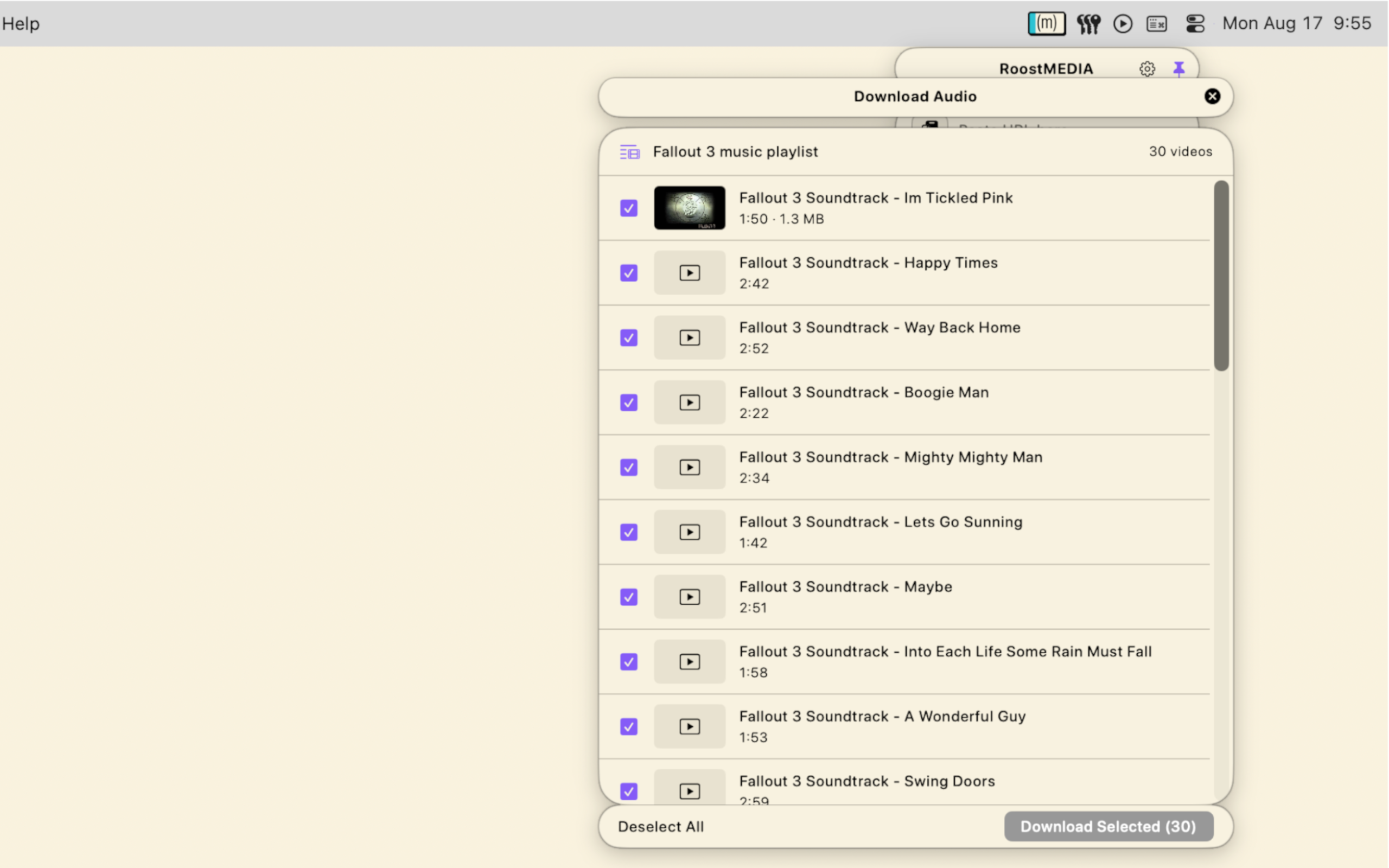
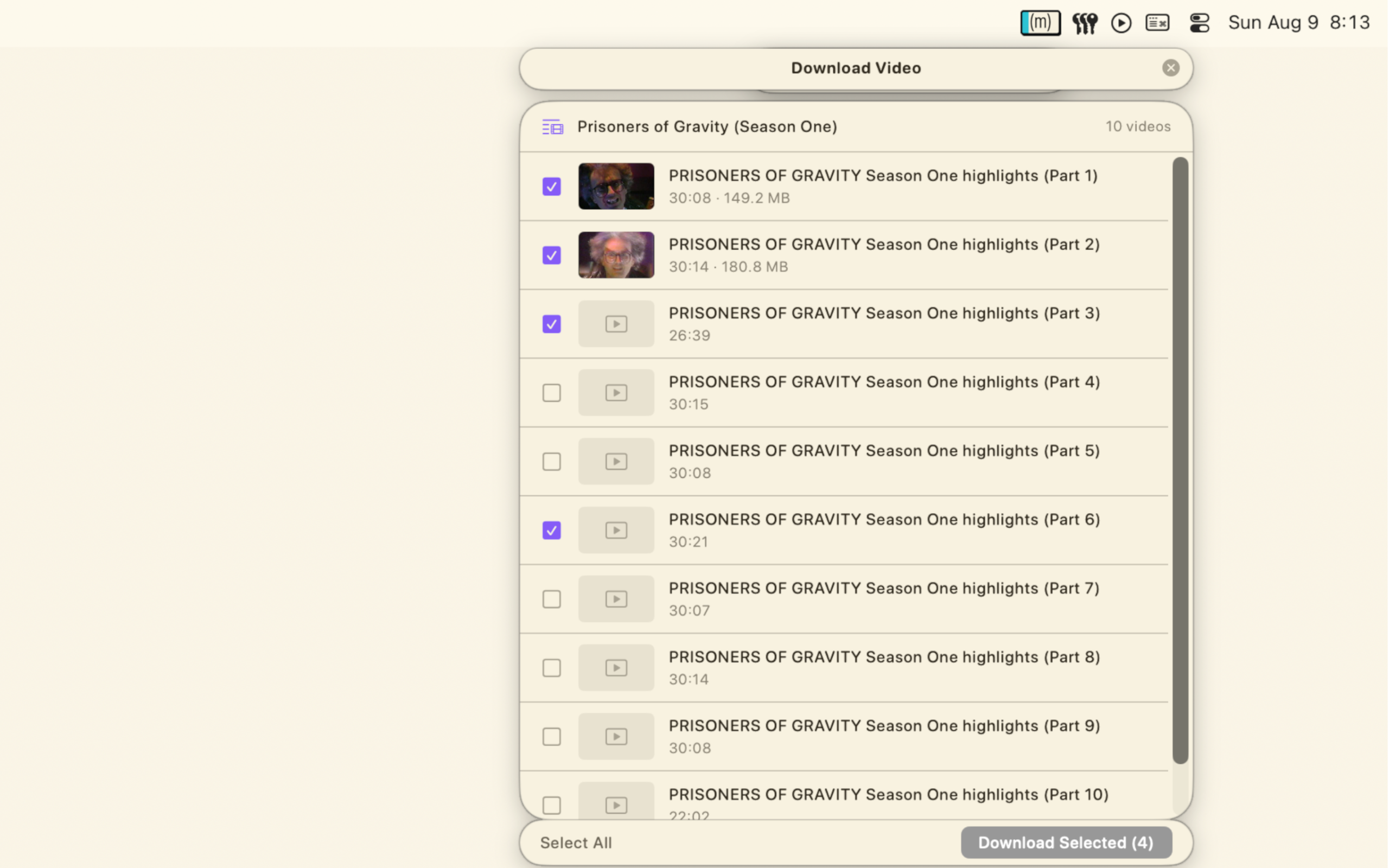
Will even work on Youtube right now. Throw a site at it, I bet it works; and if it doesn’t? Well, then no app can do it… probably. RoostMEDIA can even handle playlists

Let's dig into the nerdy stuff

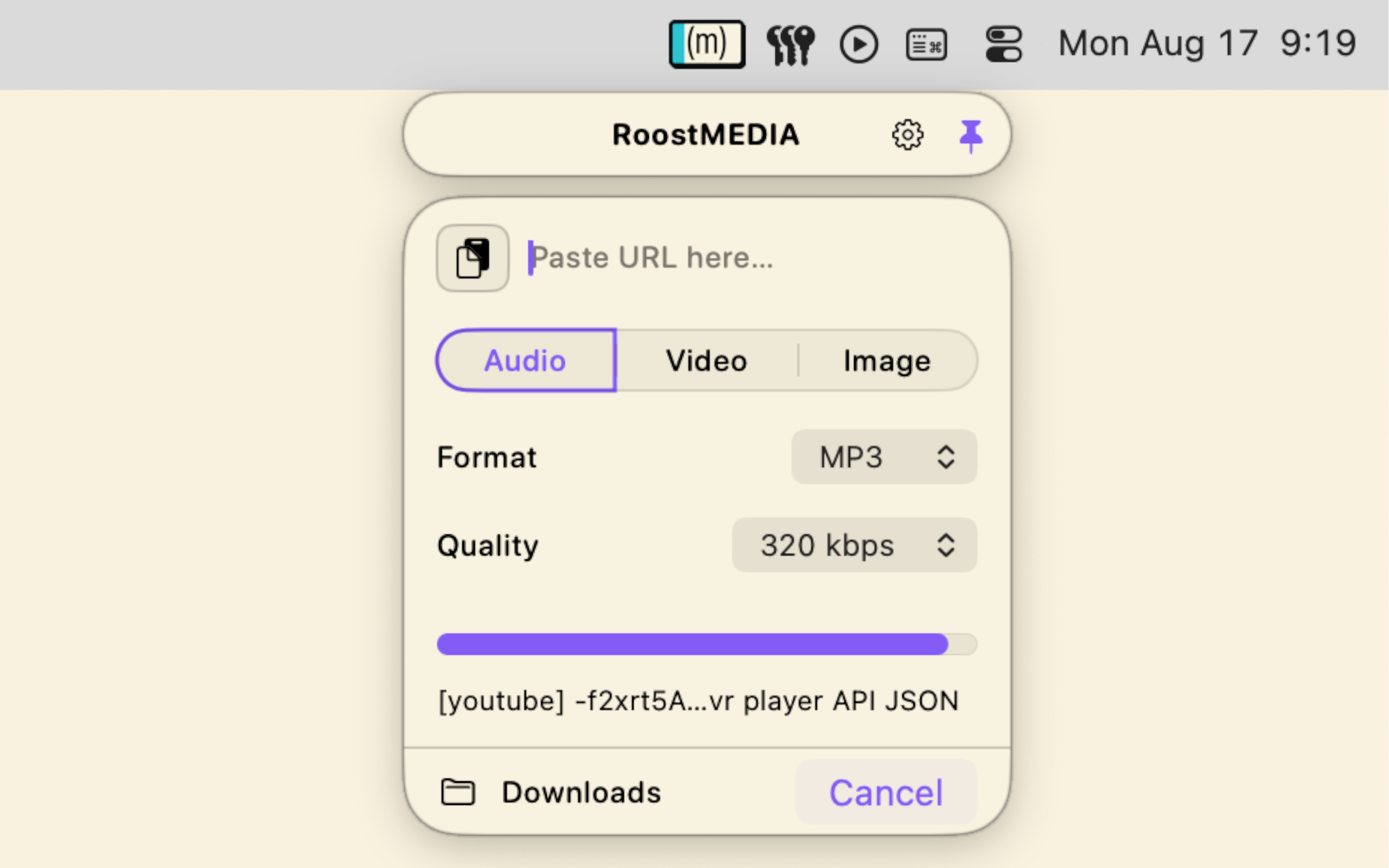
AudioDownloads the audio track from any video or stream URL. Choose your format (MP3, AAC, FLAC, WAV, Opus) and target quality.
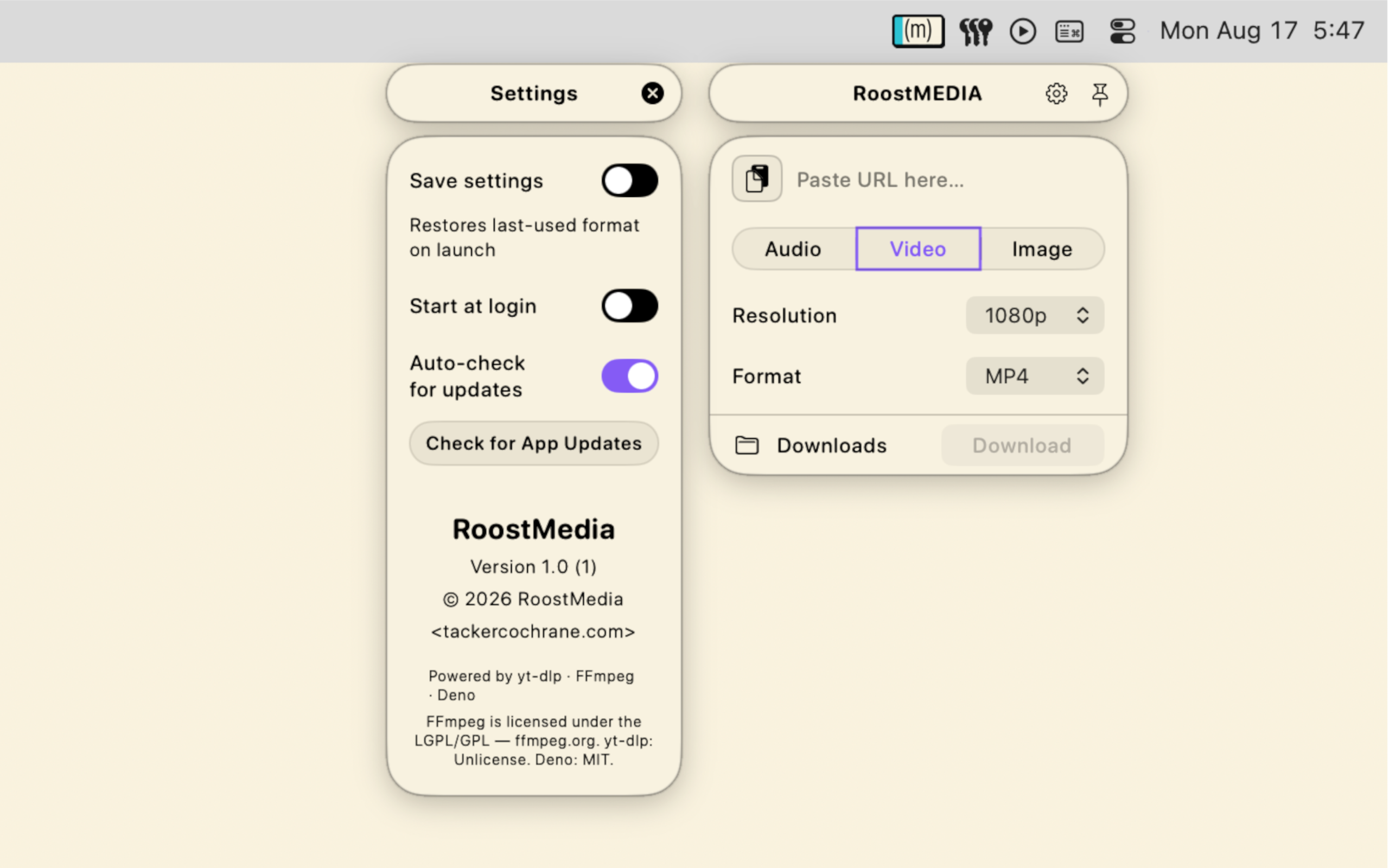
VideoDownloads video and audio together. Set your maximum resolution (up to 4K) and output container (MP4, MKV, MOV, WebM).
ImageScans a web page and finds every image on it (including full-resolution versions hidden behind thumbnails) Filter by size and type before downloading.
⌃⌥VGlobal hotkey — opens the panel, pins it, and puts the cursor in the URL field. Copy a link anywhere, hit the chord, paste, press Enter. No mouse needed.
Playlist pickerEvery item in the list with titles, durations, and file-size estimates. Check what you want, then click Download Selected.
Image pickerA three-column grid with dimension badges. RoostMedia automatically upgrades thumbnails to their full-resolution source when it can find one.
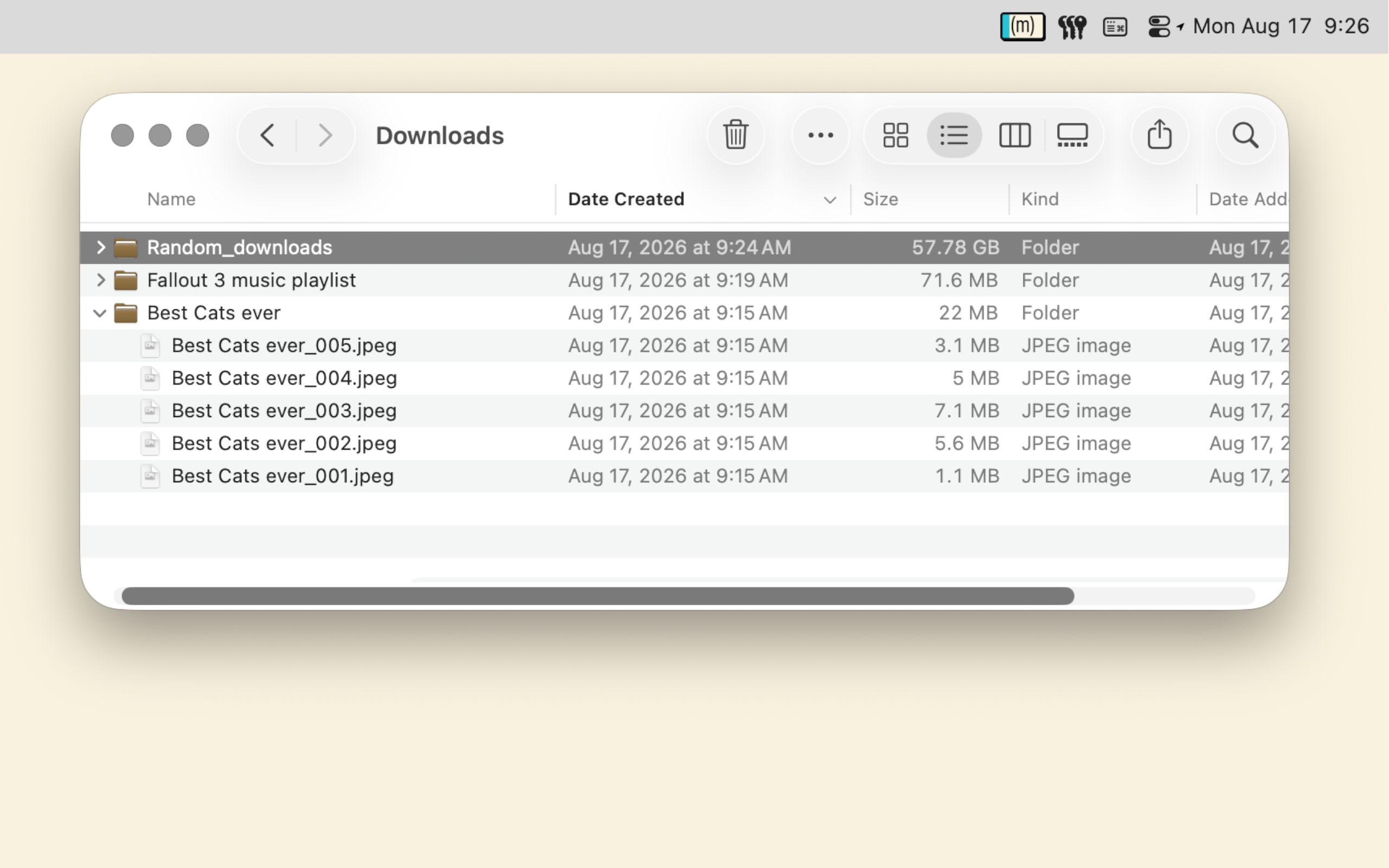
SubfoldersTwo or more items from a playlist or image page land in a subfolder named after the playlist or site domain.

A few things worth knowing.