What is RoostTX?
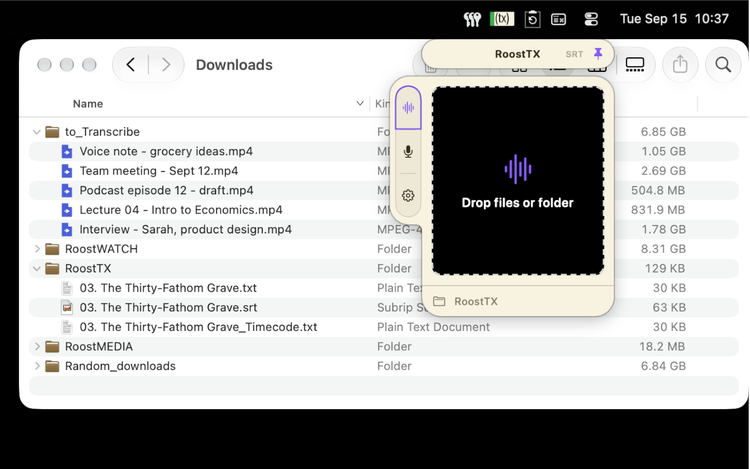
Your one stop shop transcription app. It sits in your computer's menu bar taking up no space, where it can't be lost. Lock it open when you need it.
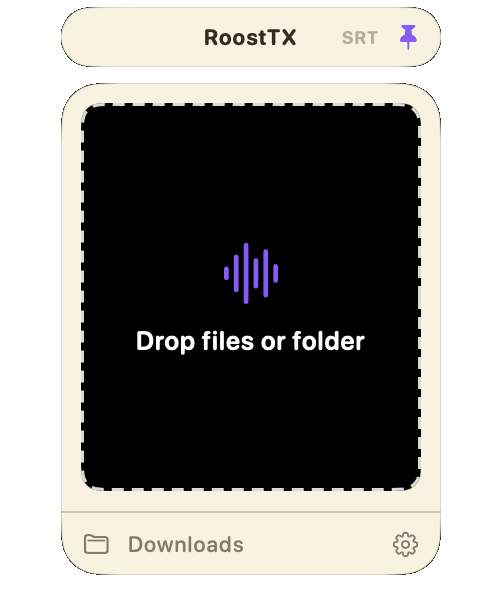
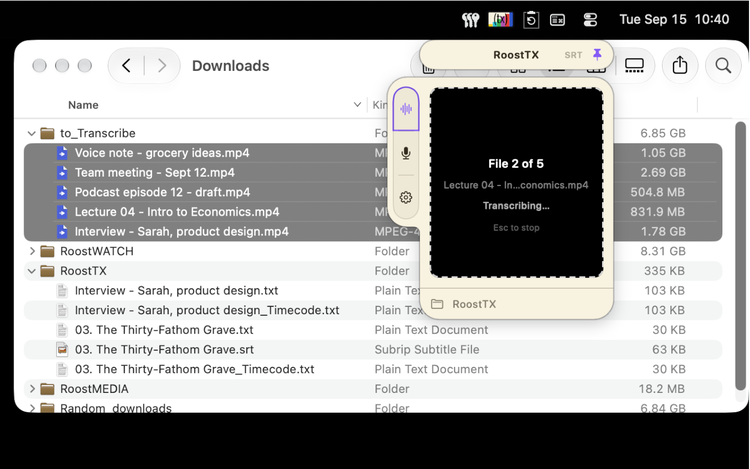
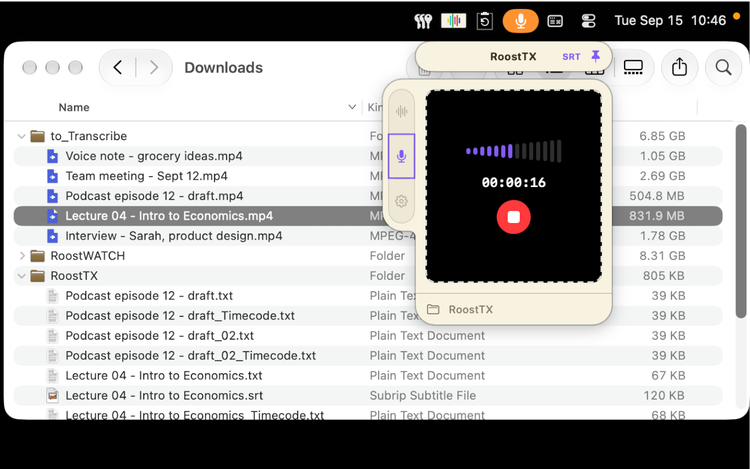
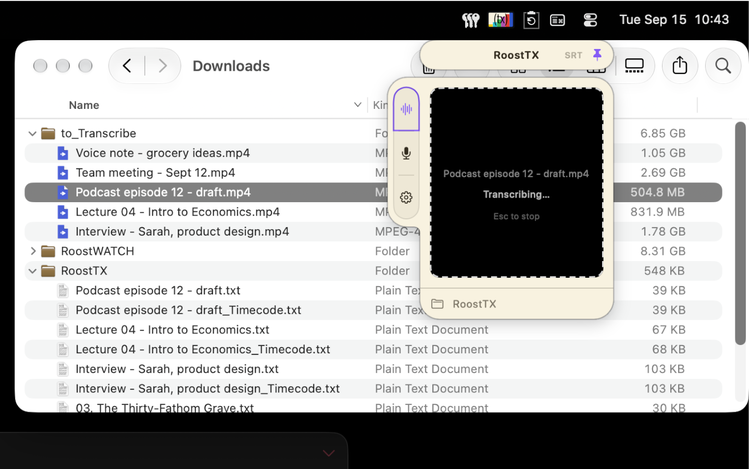
Drop audio files (or a whole folder) onto it and RoostTX will transcribe into a helpful text file, or even subtitles. You can also switch to the Record tab and talk right into it. When finished, all your files sit nicely in the folder you have chosen.
What does it need to run?
macOS 26 or later. RoostTX uses Apple's on-device speech recognition, which doesn't exist on earlier versions of macOS — so it won't install on anything older.
Does my audio get uploaded anywhere?
No, not at all. Everything happens on your Mac. There's no account to set up, and nothing is sent to a server. The only time RoostTX touches the internet is a one-time download of Apple's speech model (see below) the first time you download.
Why is the first transcription slow?
The first time you use it, macOS downloads its on-device speech model. That happens once and needs an internet connection. Every transcription after that runs fully offline.
Why was my video file skipped
Some video containers from places like Blu-ray, AVCHD camcorders and a few others aren't readable by macOS's media frameworks even though they hold ordinary video. Because RoostTX can't open what macOS can’t, you will need to re-wrap those files into something else, like .mp4.
Where did my files go?
Your Downloads folder, unless you change it. Click the folder name at the bottom-left of the panel to choose somewhere else.
What files do I get?
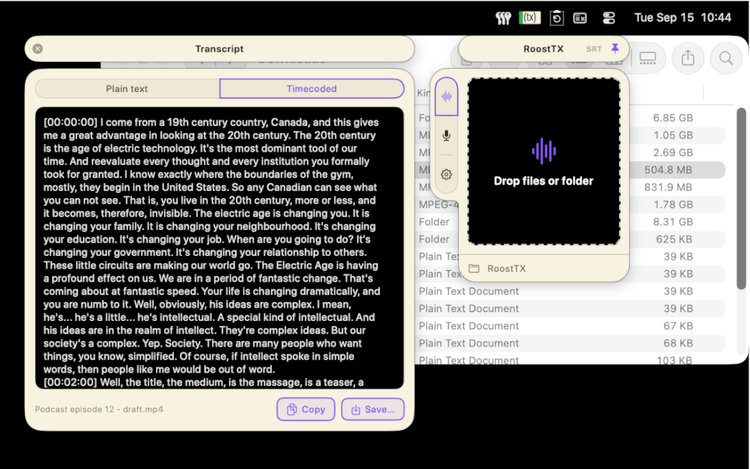
A plain text transcript (.txt) and a timecoded version (_Timecode.txt) with a timestamp at intervals you can choose from the settings panel.
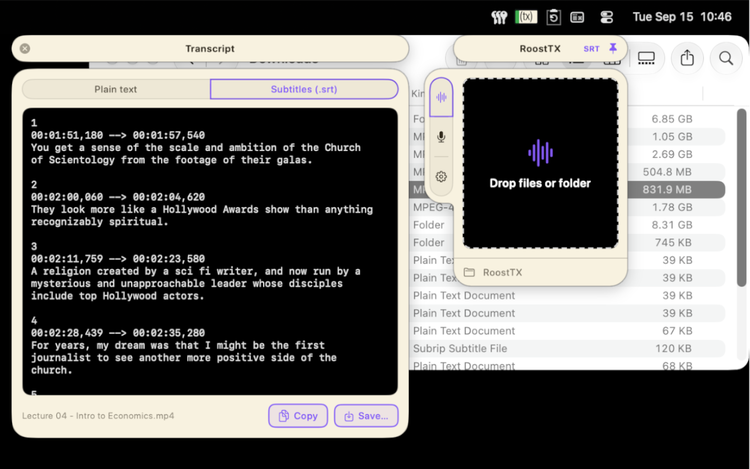
Have a video you need subtitles for? Switch on SRT and you get a single subtitle file (.srt) set with relevant timecode so you can drop it into any media player.
What language does it transcribe in?
Right now, the language your Mac is set to. RoostTX doesn't detect the language being spoken, so audio in a different language won't transcribe correctly. To transcribe another language right now, change your Mac's language in System Settings › General › Language & Region.
Why does it ask to use my microphone?
Only when you use Record. Dropping files never asks for access, or listen. That path doesn't touch the microphone at all.
My long recording turned into several audio files. Why?
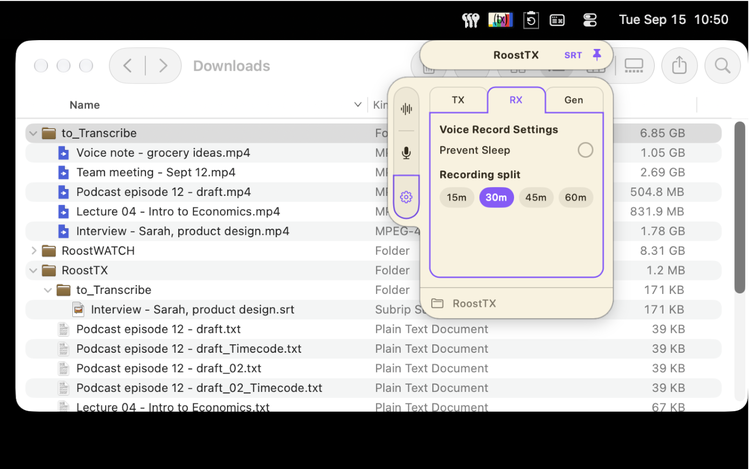
Recordings are split into parts (every 30 minutes by default; you can change it in Settings). This is a safety net: if your Mac crashes or sleeps mid-recording, you keep everything up to that point instead of losing the whole session. The transcript is still one file, with continuous timecode running across all the parts.
Can I see the transcript without opening the file?
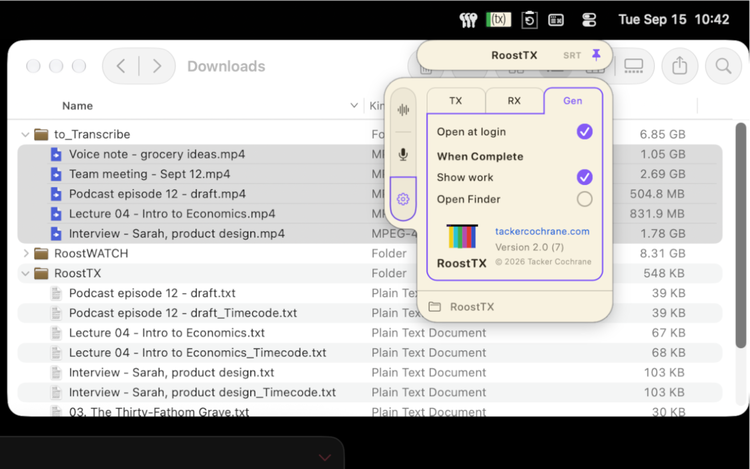
Turn on Show Work in Settings and a window opens with each finished transcript, with Copy and Save.
Have any more questions not answered here?
Email
our support team with what you were doing and what happened, and if you can, the macOS version you're on. Screenshots help.